Animated infographics · For marketing & communications

Your next newsletter has a story.
Give it something to show.

Bring an article, announcement or product update. Rubiic helps turn its central idea into a clear video, animated infographic or newsletter graphic.

Join the waitlist for the next available seat.

Made with Rubiic. Silent video. Fictional product concept; no nutrition or certification claims.

In the inbox

A compact GIF or still that invites readers into the story.

On your blog

A playable explanation beside the words that give it context.

In the feed

A focused visual that makes sense without sound.

One publishing job. Different stories.

The message chooses the motion.

An ingredient reveal, a software walkthrough and a research diagram need different visual treatments. These examples were created and revised in Rubiic.

01 / Introduce a product

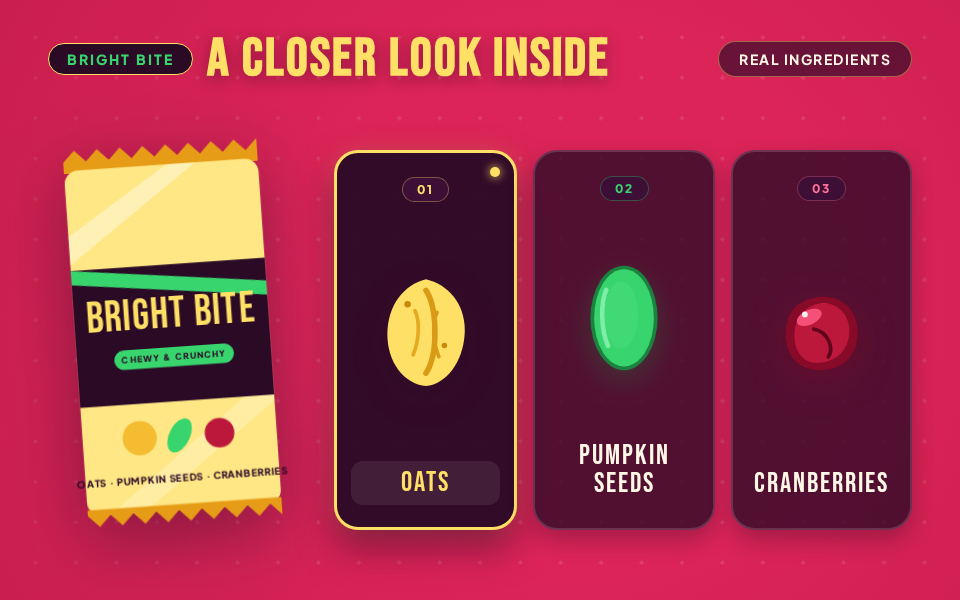
Bright Bite

A vivid ingredient reveal for a fictional snack bar. Oats, pumpkin seeds and cranberries each get a clear label and a moment of attention before the product returns with an invitation to explore.

The brief and the revision

Brief: Create a colorful, silent 24-second snack-bar introduction. Use berry pink, oat yellow and seed green. Reveal three ingredients, show the texture, then invite viewers to explore the recipe.

Revision: Change the opening to ‘Take a closer look inside’, simplify the ingredient labels, clarify the seed illustrations and make a separate six-second newsletter layout with every ingredient visible from frame zero.

Made with Rubiic. Silent video. Fictional product concept; no nutrition or certification claims.
See the newsletter GIF and still
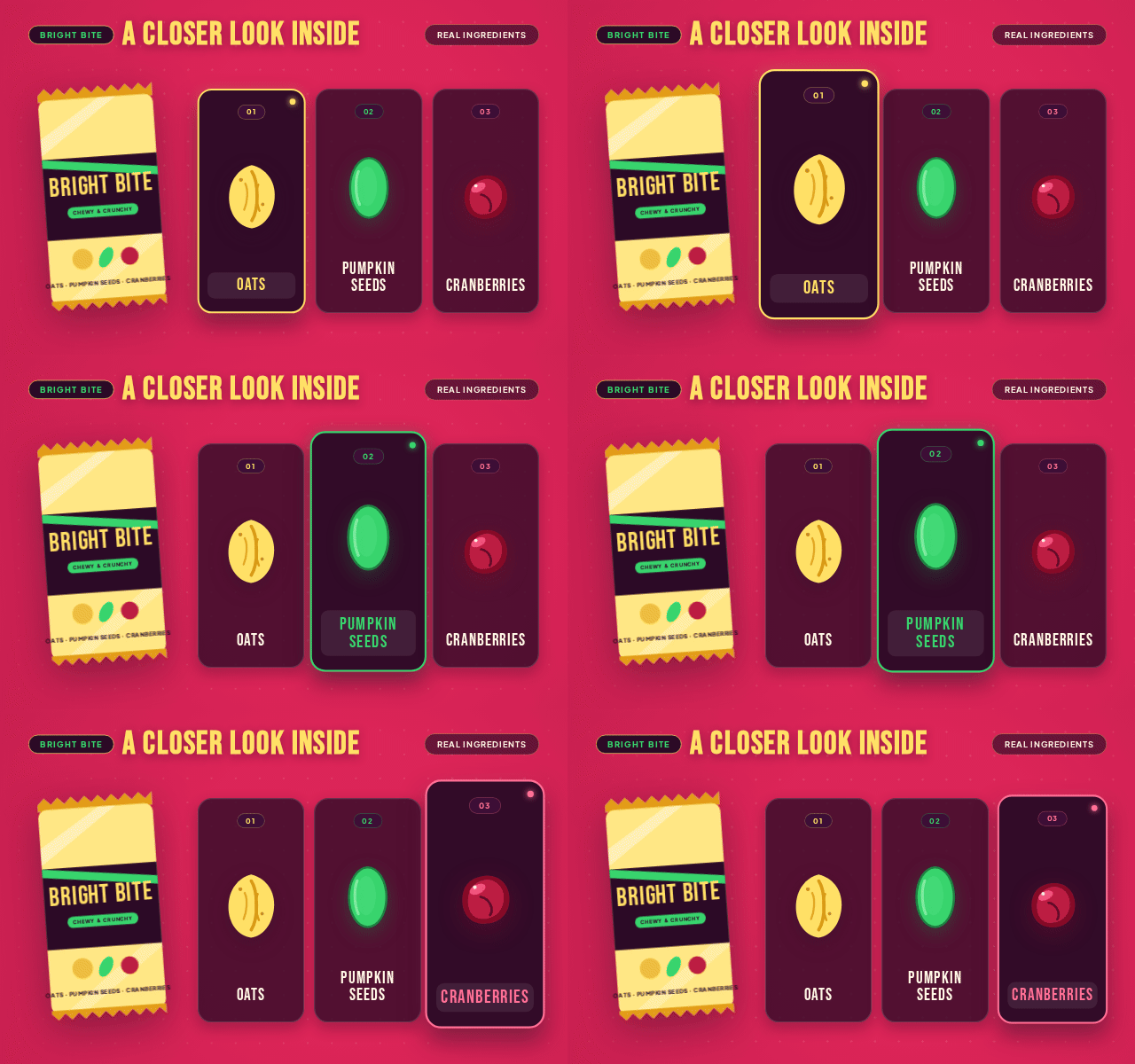
Bright Bite newsletter composition: A vivid ingredient reveal for a fictional snack bar. Oats, pumpkin seeds and cranberries each get a clear label and a moment of attention before the product returns with an invitation to explore.
Six-second newsletter loop with a complete first frame. Fictional product concept; no nutrition or certification claims.
Download GIFDownload still

02 / Explain a software feature

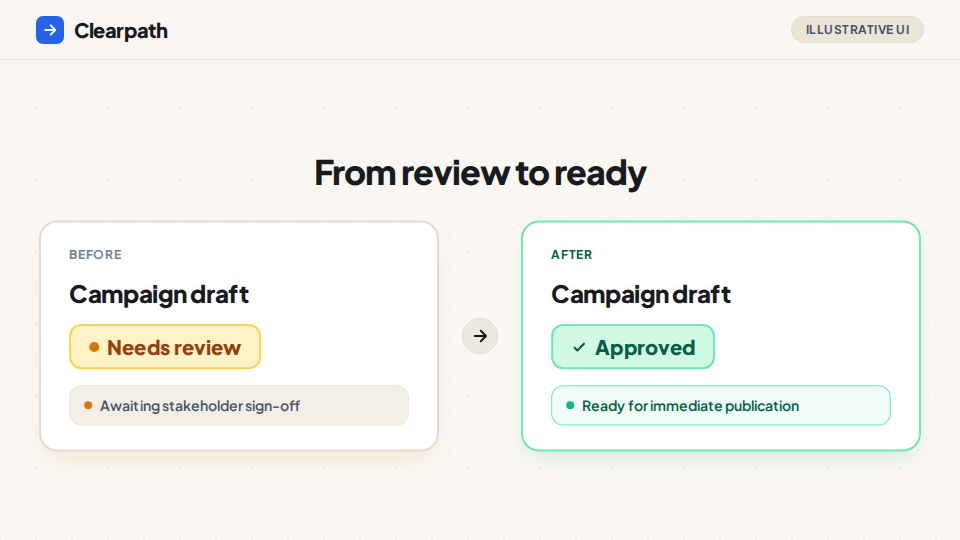
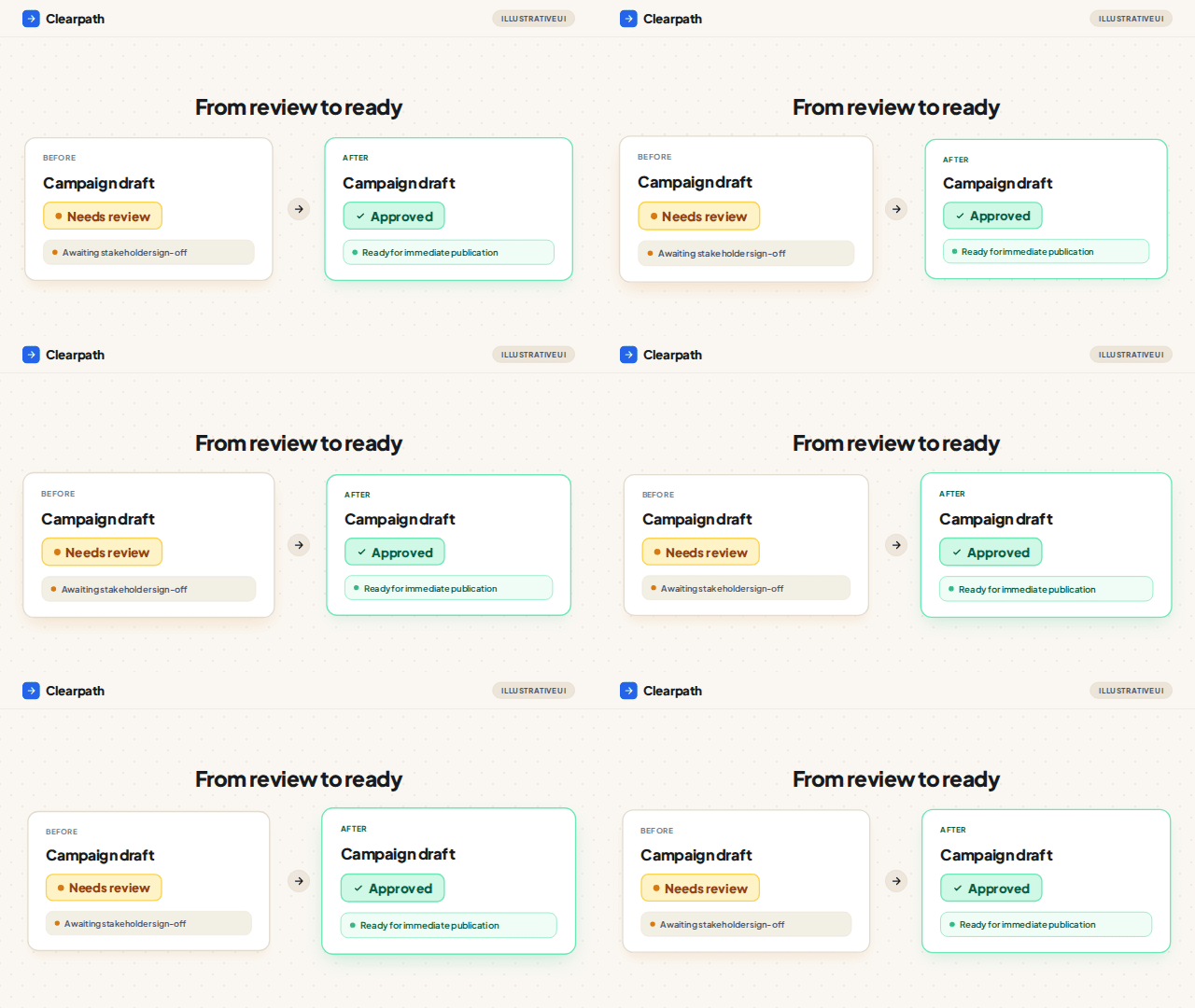
Clearpath

One campaign draft moves from ‘Needs review’ to ‘Approved’. A simple interface demonstration makes the action and its result visible, with a longer hold on the approved state.

The brief and the revision

Brief: Explain a fictional team's approval workflow in a calm, silent software demonstration. Follow one campaign draft through review, approval and a ready-to-publish column.

Revision: Remove distracting metadata, enlarge the interface labels and hold the approved result for eight seconds. Recompose the newsletter version as a complete before-and-after comparison.

Made with Rubiic. Silent video. Fictional software concept and illustrative interface.
See the newsletter GIF and still
Clearpath newsletter composition: One campaign draft moves from ‘Needs review’ to ‘Approved’. A simple interface demonstration makes the action and its result visible, with a longer hold on the approved state.
Six-second newsletter loop with a complete first frame. Fictional software concept and illustrative interface.
Download GIFDownload still

03 / Explain a research concept

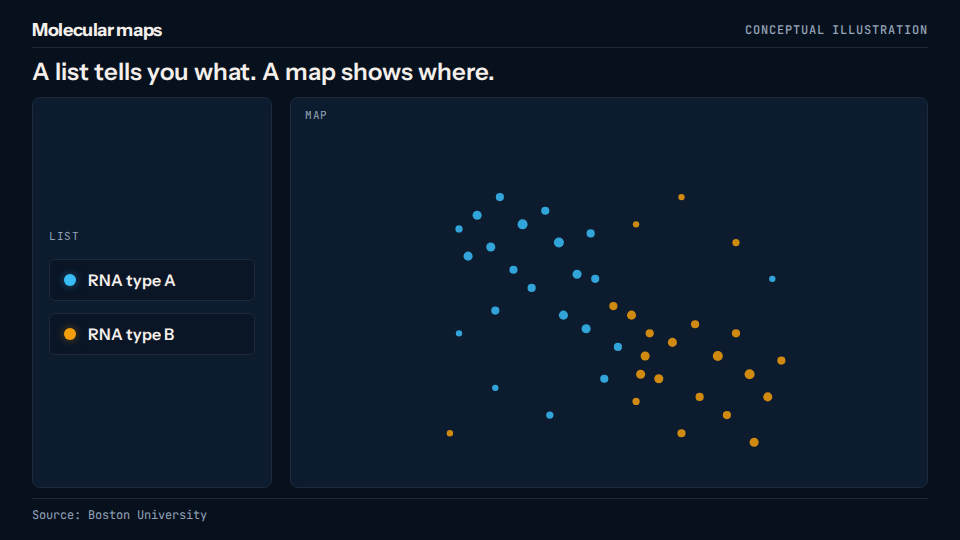
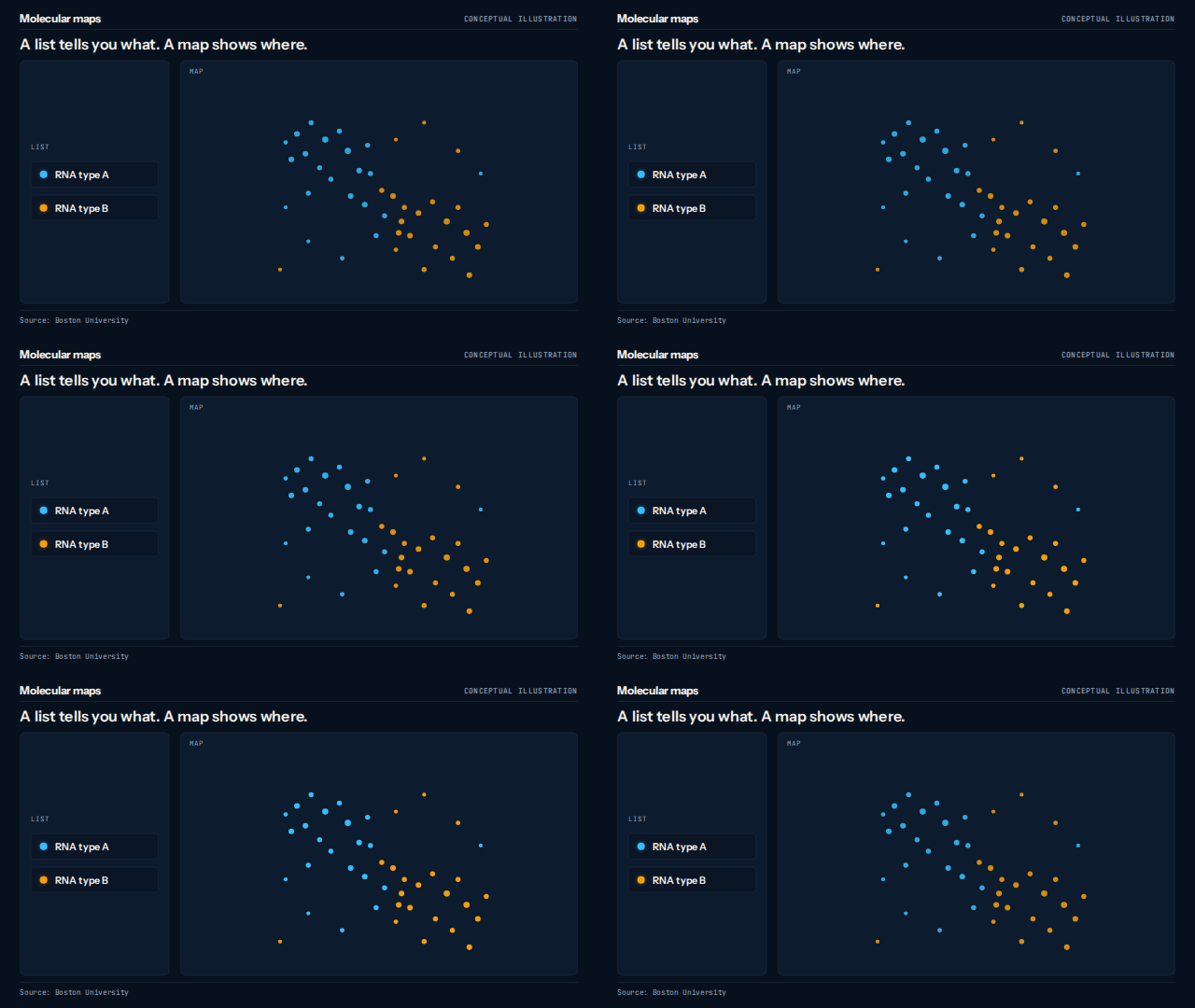
Molecular maps

A list identifies two illustrative RNA types; a map adds their positions. The dots stay fixed while a region is highlighted, introducing the idea of looking for spatial patterns without presenting invented measurements.

The brief and the revision

Brief: Create a calm, silent research explanation inspired by Boston University's molecular-mapping story. Use original cyan and amber dots, sparse labels, ongoing-research language and a visible conceptual-illustration label.

Revision: Remove unsupported counts, scales and biological interpretations. Keep the diagram spatially fixed, simplify the copy and make a separate six-second newsletter composition that is complete on its first frame.

Made with Rubiic. Silent video. Conceptual illustration, not experimental data. Inspired by Boston University’s research story; no institutional endorsement.
See the newsletter GIF and still
Molecular maps newsletter composition: A list identifies two illustrative RNA types; a map adds their positions. The dots stay fixed while a region is highlighted, introducing the idea of looking for spatial patterns without presenting invented measurements.
Six-second newsletter loop with a complete first frame. Conceptual illustration, not experimental data. Inspired by Boston University’s research story; no institutional endorsement.
Download GIFDownload still

Bright Bite and Clearpath are fictional concepts. Molecular maps is an original conceptual illustration inspired by Boston University’s research story, with no institutional endorsement. These are creative examples, not measured campaign results.

From source to visual

Explain the idea.
Shape it together.

Rubiic uses your source, audience and destination to choose a visual approach and coordinate the writing, design and production. A process can become a sequence. A feature can become a demonstration. A relationship can become a diagram.

  1. 1. Bring the story. Share approved copy, a source article or a concise brief.
  2. 2. Review the explanation. Check the facts and ask for changes to the words, layout or timing.
  3. 3. Choose the format. Render the video and export a still or short GIF for your publishing tool.

Start with the content you already have.

Copy this brief and replace the brackets with your next announcement.

Newsletter and social brief
Turn this announcement into a short visual explanation for our newsletter and social page. Our readers are [audience]. Help them understand [one idea], then invite them to [next step]. Use these approved facts and brand colors: [source]. Keep it clear without sound. Suggest a useful first frame and a short newsletter GIF alongside the video.

Give motion a purpose. Then measure it.

Research gives marketers reasons to test video and animation, but the useful format depends on the audience and the explanation. Look for qualified clicks, understanding and the next action you wanted readers to take.

Can I put the video in an email?

Use a linked GIF or still preview in the newsletter and host the full video on a page. Make the first frame useful on its own, add alt text, and keep essential copy in live email text.

What should I review before publishing?

Check the source facts, mobile readability, motion and exported file. Recompose the layout for each destination, and test newsletter files in your actual email template.

What does your next story need to show?

Rubiic is invite-only while it scales. Join the waitlist and we will tell you when a seat opens.