Use case
Product and promo videos
Launch videos, feature explainers and vertical promos built on your brand's palette and logo, with stills, GIFs and carousels to match.
Who it's for
Founders, product marketers and small teams shipping without a video editor. A launch video for a new feature, a “how it works” explainer for the home page, a vertical promo for social, and the still and the GIF that go out with it.
What to bring
- Your website. Rubiic reads it for what the product does and for your brand.
- Screenshots or a short screen recording. Screenshots as PNG, JPEG or WebP; a recording as MP4, MOV or WebM, up to 15 seconds. Rubiic uses them as reference: it studies them to recreate your interface as animation, and it can place a screenshot in a scene. A recording is sampled into still frames, so it shows states rather than the motion between them, and it is not cut into the video itself.
- The one thing a viewer should do next. Sign up, book a demo, try the feature.
- Where it will be posted. That decides the size: landscape for a website, vertical for stories and reels, square for a feed.
How a build goes
Brand first. From the pages it read, Rubiic proposes a palette, fonts and logos, with the pages they came from, for you to review. Once you confirm them, every scene takes that brand as an input. A font it does not have is swapped for one it does, so check the first draft with a designer's eye. Save the result as a style and your next launch starts from it.
Then the script — in Review mode, the default, you approve it before the narration is recorded — and then the scenes. Each one is written as code for your script, which is why product text stays crisp and a feature list can animate in exactly the order the narration names it.
Launch copy changes up to the last minute, so revising is a conversation: rename the feature, swap the order, tighten the ending. Every version is kept, and you can compare each revision with the one it replaced before you render.
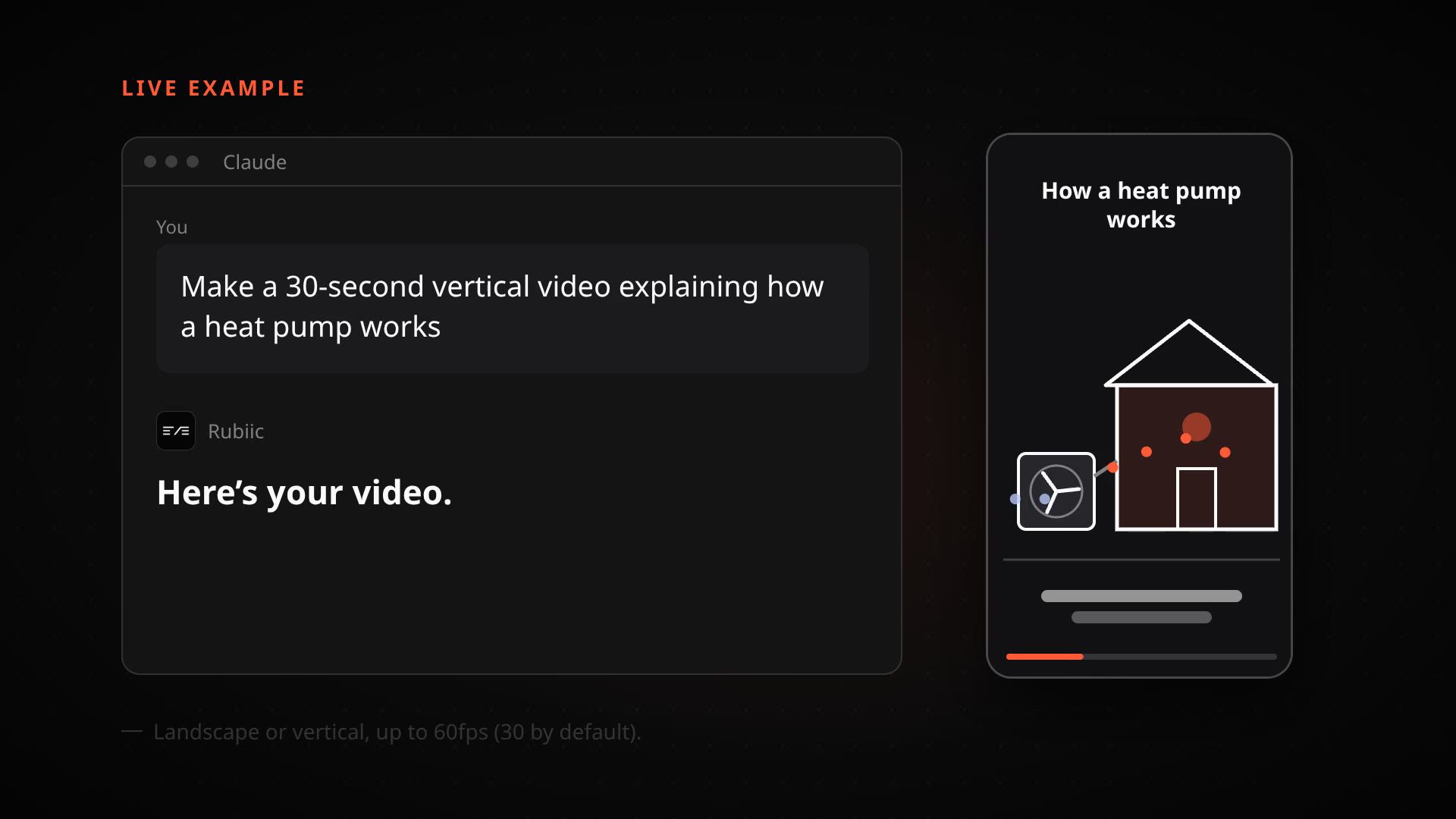
Any size from 320×240 up to 3840×2160 works, landscape or vertical. From the same scenes you can export still images, a GIF of up to ten seconds, a carousel of up to twelve pages as a PDF, and caption files. The MP4 is yours: no watermark, and you own it.
Before you start
Watch one we made for ourselves on the examples page — it comes with the brief that produced it — or read how credits work on the pricing page.
Made with Rubiic
Start with a sentence
Rubiic is invite-only while it scales. Join the waitlist and we will tell you when a seat opens.